Sales documents
Maintain customers and products or services, prepare quotations and sales orders, then issue invoices with a traceable document path.

Kajoz ERP / Accounts Edition
Available now · configured rolloutMove from scattered invoices and spreadsheets to a connected path for customers, suppliers, payments, cash and financial reporting.
What the edition covers
Accounts Edition connects the source documents to the figures management needs to review.
Maintain customers and products or services, prepare quotations and sales orders, then issue invoices with a traceable document path.
Record customer payments against invoices and review outstanding balances and aging for follow-up.
Keep supplier invoices, expenses and payment obligations visible to the people responsible for them.
Set up bank and cash accounts, record transactions, and connect payment activity to the underlying documents.
Configure company details, applicable taxes, document numbering and user roles as part of implementation.
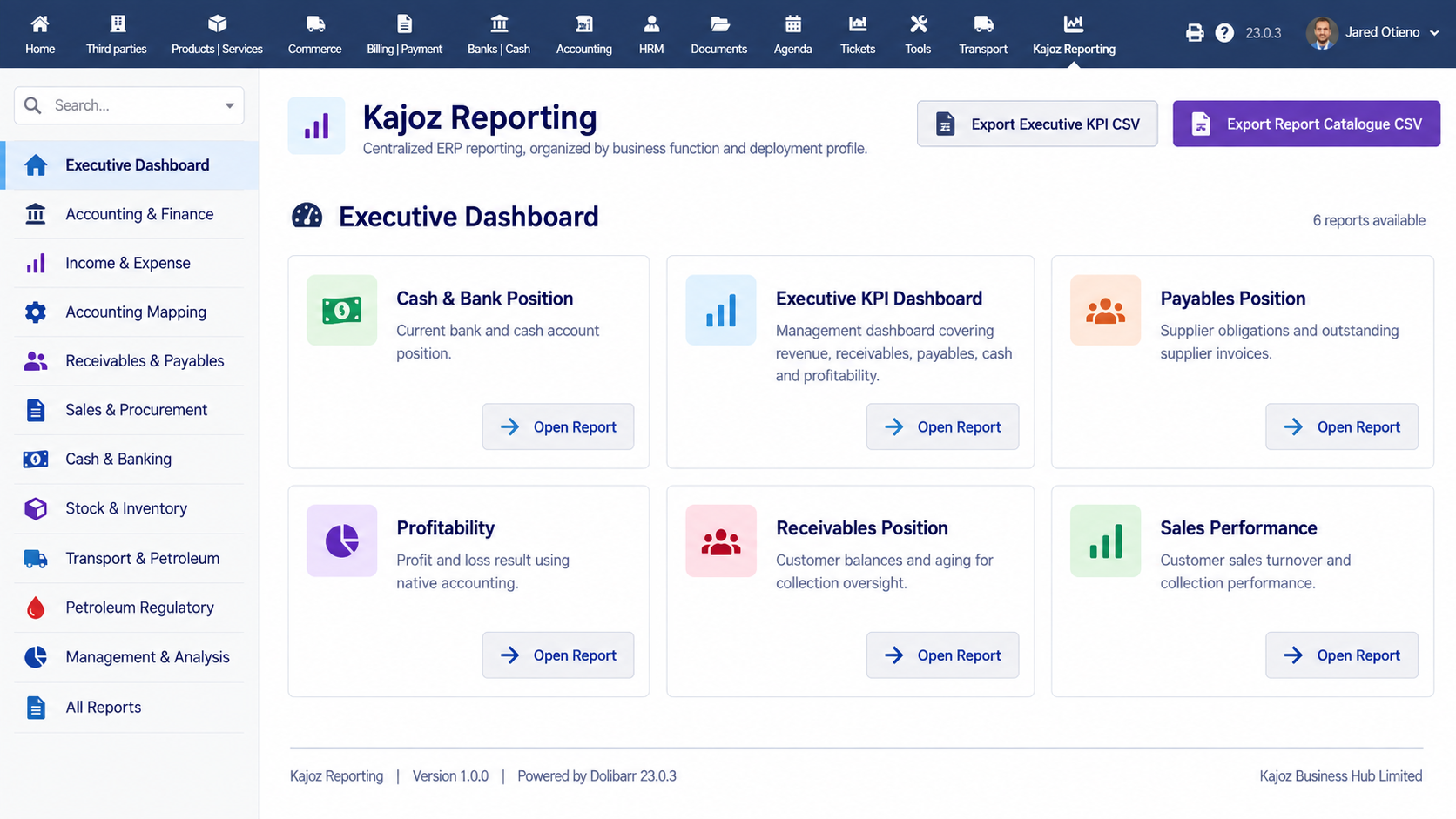
Review cash position, receivables, payables, sales and profit-and-loss information through the configured accounting and reporting tools.
A working day in Accounts
What changes for your team
See which invoices remain unpaid and the customer record behind each balance.
Bring supplier obligations and cash movement into the same review.
Move from manually combined sheets to reports built from recorded activity.
What you buy: a configured Kajoz ERP Accounts deployment and an agreed onboarding scope. We review your chart of accounts, taxes, document flow, users, opening data, training and support needs before quoting implementation. A live demo shows the working screens.
See it against your work
Tell us your current process and we will show the relevant screens, clarify what is available in your deployment, and outline configuration, migration, training and support before a proposal.
Book a Live Demo